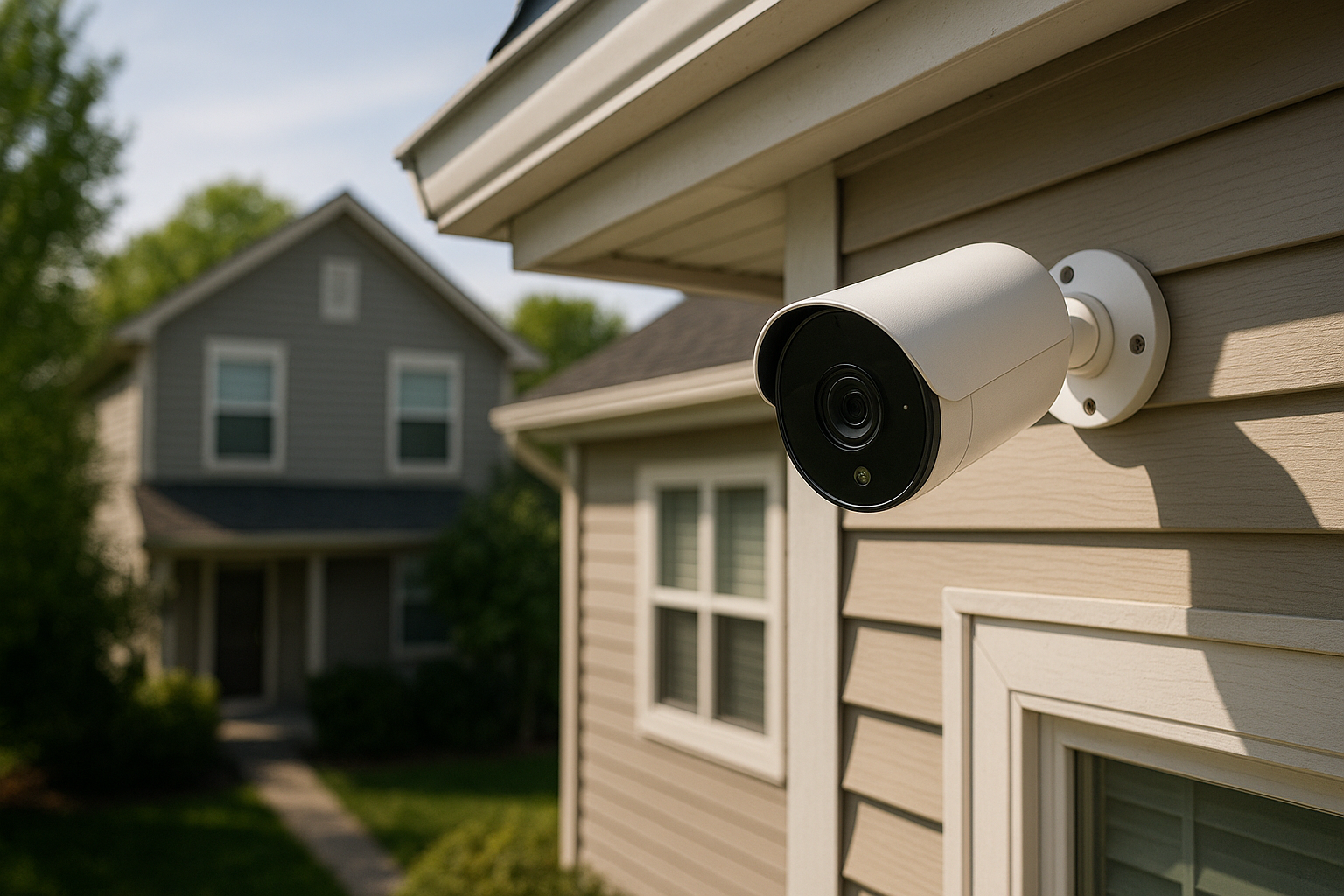
What Makes a Home Security Camera Worth Buying in 2026
Burglars spend an average of 8 to 12 minutes inside a home. A visible camera — even a cheap one — cuts the probability of being targeted in the first place by up to 60%, according to data from the University of North Carolina. That's the core case for home security cameras, and it hasn't changed. What has changed is what you get for your money in 2026.
A worthwhile camera in 2026 does more than record footage. It tells you what it's looking at — a person, a package, a raccoon — without crying wolf every time a car drives by. It stores footage reliably. It works when the Wi-Fi drops. And ideally, it doesn't charge you a monthly fee just to access your own recordings. If a camera can't clear those bars, it's not worth buying, regardless of how slick the app looks.
The Biggest Advances in Home Security Camera Technology for 2026
Three things have genuinely moved forward in the past 12 to 18 months: on-device AI processing, battery longevity, and local storage reliability.
On-device AI means the camera itself can classify what it sees — person, vehicle, animal — without sending data to the cloud first. That's faster, more private, and it works even when your internet is out. Brands like Eufy and Reolink have been pushing this hard. The Reolink Argus 4 Pro, for example, handles color night vision and smart detection entirely on-device.
Battery life on wireless cameras has also improved dramatically. Where you used to charge every 2-3 months, models like the Arlo Pro 5S and Eufy SoloCam S340 can run 6 months between charges under normal use — and the solar-assisted versions can go indefinitely in decent sunlight.
Local storage has gotten more reliable too. MicroSD card support is now standard on most mid-range cameras, and several brands offer NVR (Network Video Recorder) systems that handle continuous local recording without any subscription.
AI-Powered Features Redefining What Security Cameras Can Do
The AI features that matter most aren't gimmicks — they're the ones that reduce false alerts and help you find footage fast.
Person detection is table stakes now. What separates good cameras from great ones is accuracy. The Google Nest Cam (2nd gen) and Ring Spotlight Cam Plus both do solid person detection, but they differ in how they handle edge cases like partially obscured figures or nighttime silhouettes.
Facial recognition is where things get more nuanced. Eufy's HomeBase 3 system lets you train the camera to recognize familiar faces — family members, regular visitors — and only alert you for strangers. This dramatically cuts notification fatigue. Worth noting: this runs locally on the HomeBase hub, not in the cloud, which is a meaningful privacy win.
Package detection has gone from novelty to genuinely useful. Cameras like the Arlo Ultra 2 can alert you specifically when a package is left or picked up — separate from a standard motion alert.
Two-way audio with noise cancellation is standard on good cameras now, making real-time conversations with delivery drivers or visitors actually usable rather than choppy and delayed.
Wired vs. Wireless vs. Battery-Powered: Which Type Is Right for You
Each power type has a real trade-off, and the right one depends on where you're mounting and how much you want to maintain it.
Wired cameras (PoE — Power over Ethernet) are the most reliable. No batteries to change, continuous recording, no Wi-Fi dependency. The Reolink RLC-810A at around $50 per camera is one of the best value PoE options available. Downside: you need to run cable, which means either DIY comfort or paying an installer.
Wireless plug-in cameras sit in the middle. They plug into an outlet, so no battery swapping, but they need to be near a socket. The Wyze Cam v4 at $35-40 is a standout here — sharp 2K image, local storage, no mandatory subscription.
Battery-powered cameras offer the most placement flexibility — anywhere, no wiring. The Eufy SoloCam E340 (around $150) pairs a 4K lens with solar charging. Great for detached garages, sheds, or fence lines. Trade-off: if the solar panel gets shaded for days, you'll need to manually charge.
Indoor vs. Outdoor Security Cameras: Key Differences to Understand
Don't buy an indoor camera for outdoor use. That's the short version.
Outdoor cameras need an IP65 or IP67 weatherproof rating at minimum to handle rain, humidity, and temperature swings. Indoor cameras skip that to save cost, and they'll fail within a season if exposed to the elements.
Beyond weatherproofing, outdoor cameras typically have wider fields of view (110°–160°) to cover driveways and yards. Indoor cameras are often narrower (90°–110°) with pan-tilt capability to cover a room from a corner — like the Wyze Cam Pan v3 or TP-Link Tapo C225.
For indoor cameras, privacy features matter more. Look for a physical privacy shutter (the Eufy Indoor Cam E220 has one) so you can guarantee it's not recording when you're home.
How to Choose the Right Resolution, Field of View, and Night Vision
Resolution: 2K (1440p) is the practical sweet spot for most home cameras in 2026. It gives you enough detail to read a license plate or identify a face without destroying your storage capacity like 4K does. 1080p is still fine for close-range indoor use. 4K is worth it for wide outdoor shots where you need to zoom in digitally.
Field of view: 110° covers most entry points well. Go wider (130°–160°) for driveways or large backyards. Be cautious above 160° — you get barrel distortion that makes identifying faces harder.
Night vision: Color night vision has become the standard on anything over $80. Look for cameras that use a combination of ambient light boosting and an optional spotlight (that activates only on motion) rather than pure infrared, which gives you black-and-white footage and limited detail. The Reolink Argus 4 Pro and Arlo Pro 5S both nail color night vision without the spotlight blasting on every squirrel that walks by.
Cloud Storage, Local Storage, and Privacy: What You Need to Know in 2026
This is where a lot of buyers get burned. You buy a $70 camera, then discover the footage is locked behind a $10/month subscription. Over three years, that's $360 in fees on a $70 device.
Home security cameras without a monthly fee are genuinely good in 2026 — you're not sacrificing much by avoiding subscriptions. Cameras from Eufy, Reolink, and Amcrest offer robust local storage (microSD or NVR) with no ongoing cost.
If you do want cloud backup, Wyze Cam offers 14 days of event-based cloud storage for free, which is a fair deal. Ring's basic plan is $4.99/month per camera or $10/month for unlimited cameras — reasonable if you have three or more.
Privacy-wise: any cloud-connected camera is transmitting data. If that concerns you, go with a local-only system — a Reolink or Amcrest NVR setup where footage stays entirely on your network. No company can access it, no server can go down and wipe your history.
Smart Home Integration and Compatibility With Alexa, Google, and Apple
Most mainstream cameras support Alexa and Google Home for live view on Echo Show or Nest Hub displays. That's table stakes. Apple HomeKit Secure Video is the differentiator — it runs video analysis on your HomePod or Apple TV locally, stores encrypted footage in iCloud (using your existing storage allowance), and is genuinely privacy-forward. Cameras like the Logitech Circle View and Eufy cameras (select models) support HomeKit Secure Video.
If you're deep in the Google ecosystem, the Nest Cam line integrates tightly with Google Home automations. If you're Alexa-first, Ring and Blink (both Amazon-owned) integrate seamlessly with Echo devices.
How Much Do Home Security Cameras Cost in 2026 (And What Do You Actually Need)
- Budget ($30–$60): Wyze Cam v4, Reolink E1 Outdoor. Basic detection, local storage, good image quality. Fine for low-risk areas.
- Mid-range ($80–$150): Eufy SoloCam S340, Reolink Argus 4 Pro, Ring Spotlight Cam Plus. Better AI, color night vision, longer battery. The sweet spot for most homes.
- Premium ($150–$300+): Arlo Pro 5S, Google Nest Cam with floodlight, Arlo Ultra 2. Top-tier detection, build quality, integration. Worth it for primary entry points and areas with high theft risk.
Most homes need 3-4 cameras: front door, back door, garage, and one interior camera covering main living space. Budget $200–$400 for a solid four-camera setup if you're buying mid-range and avoiding subscriptions.
Common Mistakes Homeowners Make When Setting Up Security Cameras
Mounting too high. You want faces, not the tops of heads. 7–9 feet is the ideal mounting height for outdoor cameras. Above that and facial recognition becomes nearly useless.
Ignoring Wi-Fi signal strength. A camera with one bar of Wi-Fi will drop frames, buffer live feeds, and miss motion events. Run a simple speed test at the mounting location before committing.
Buying cameras from different ecosystems. Mixing Ring, Nest, and Eufy cameras into one home means three apps, three storage systems, and no unified dashboard. Pick one ecosystem and stick to it, or use a platform like Home Assistant if you want to unify everything.
Not testing night vision before the final mount. What looks like a great camera in daylight can be grainy and washed-out at night. Test before you commit to drilling holes.
How to Get the Most Out of Your Security Camera System: Expert Tips
- Set detection zones to exclude high-traffic sidewalks or trees that move in wind. This alone cuts false alerts by 70-80%.
- Enable motion-triggered recording only if you're on local storage — continuous recording fills an SD card fast.
- Label your cameras in the app (Front Door, Backyard Gate) so you're not fumbling through footage at 2am.
- Pair cameras with smart lighting. A camera that triggers a Philips Hue or Kasa floodlight on detection is more deterrent than a camera alone.
- Back up critical footage to a secondary location. If someone steals the camera, your recording goes with it unless it's already synced elsewhere.
Your Next Steps for Building a Smarter, Safer Home in 2026
Start with one camera at your front door — statistically, 34% of burglars enter through the front. Pick a mid-range option like the Eufy SoloCam S340 or Reolink Argus 4 Pro if you want no subscription fees, or the Ring Spotlight Cam Plus if you're already invested in Amazon's ecosystem.
Once you've lived with one camera for 30 days, you'll know exactly what gaps remain. Then expand. A phased approach beats buying a six-camera bundle and discovering you hate the app after day one.
The best home security camera system is the one you'll actually use and maintain. Start specific, scale smart.